QuillGrid Notebook
A finished mobile-app workflow that combines game design, Godot UI work, story-to-level generation, Android App Bundle export, Play Store release preparation, local data handling, and visual asset creation.
- Role
- Game design, Godot UI work, Android export setup, Play Store materials, and public documentation
- Stack
- Godot 4, Android App Bundle, Play Console, local-only stories and progress
- Status
- Version 1.0.0 submitted to Google Play production review
What I Built
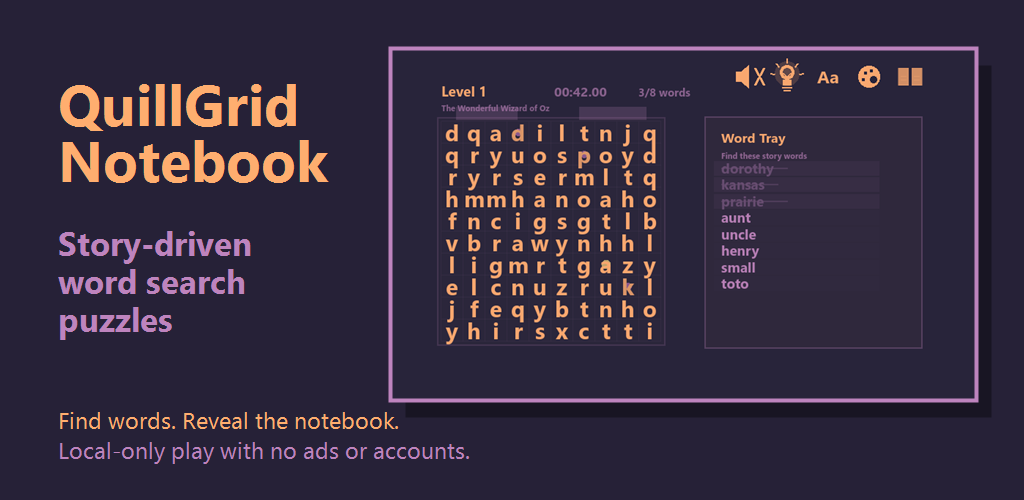
I built QuillGrid Notebook as a small but complete Android game rather than a loose prototype. The project includes a custom 2D puzzle interface, story-to-level generation, drag-based word selection, local story management, Android export configuration, store-ready screenshots, an app icon, a feature graphic, Play Console app-content declarations, and a privacy-policy page for the listing.
Gameplay
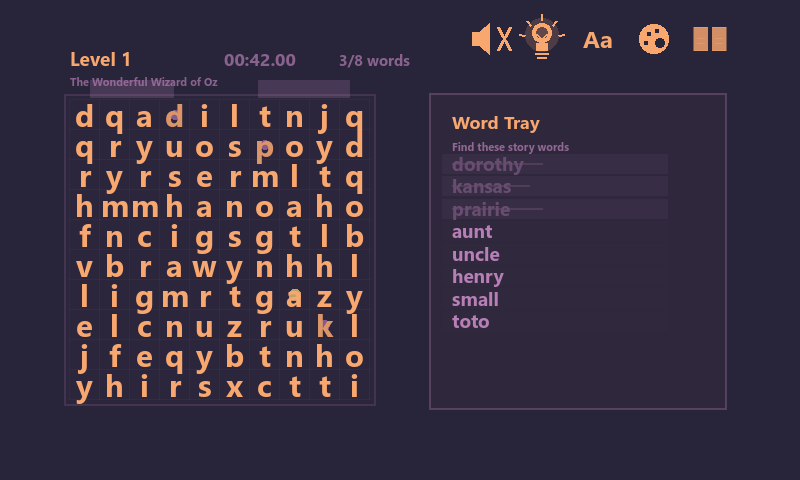
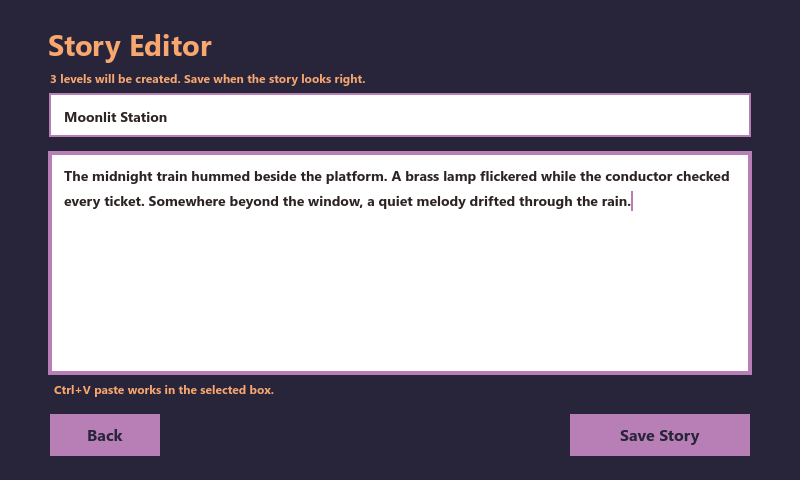
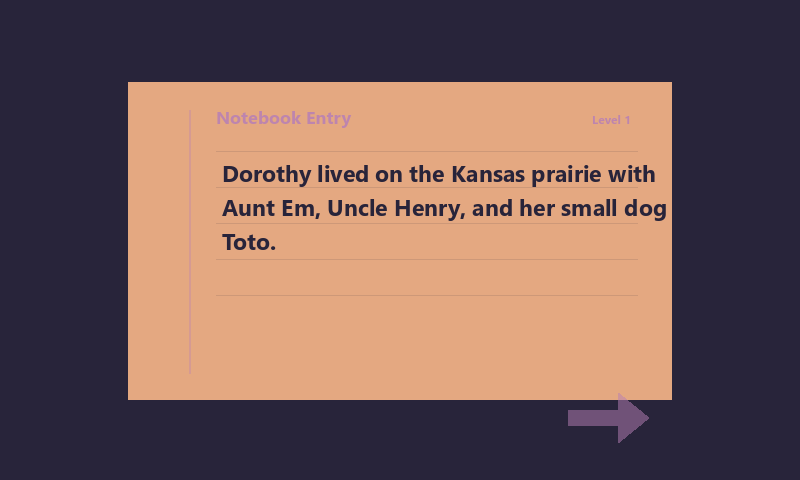
Players create or paste a short story, then the app turns sentences into playable word-search chapters. Each level asks the player to find selected words on a letter grid, and solving the grid reveals the original sentence so the notebook fills in one completed chapter at a time.
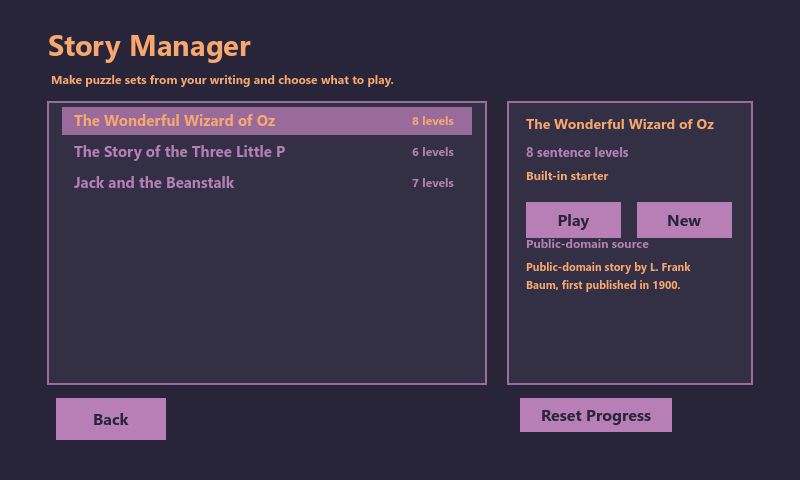
The app includes a story editor, story manager, generated puzzle chapters, drag-based word selection, completion screens, display and audio settings, and local progress. It does not require an account, advertising, analytics, cloud sync, or a backend service.
Release Work
The first production release, version 1.0.0, has been submitted to Google Play and is waiting for Google review and publishing propagation. The release work included Android package configuration, app signing/export steps, store screenshots, icon and feature graphics, store listing copy, Play Console declarations, and the privacy policy used for the listing.
Build Notes
I built the game in Godot 4 and structured it around a notebook-style progression loop: edit a story, generate playable word-search chapters, solve each grid, and reveal the original sentence after completion. I also kept the app local-first, so stories and progress stay on the device without requiring accounts, ads, analytics, or a backend service.
The release work included Android package configuration, app signing and export steps, store screenshots, icon and feature graphics, Play Console declarations, and a privacy-policy page for the listing.